

What benefits to look for?
You probably know about the VPN and its main purposes. However, you will find out that there are many VPN service providers on the market, so it might be quite difficult to decide which one you should choose for your device. So the question that you are probably asking if you are looking for a VPN service provider to use on your iPad is how to choose the best iPad VPN service. First of all, of course, you need to make sure that the provider you are thinking to use has a good VPN for
iPad, as not all the providers are compatible with any device. A few benefits that you should look for include:
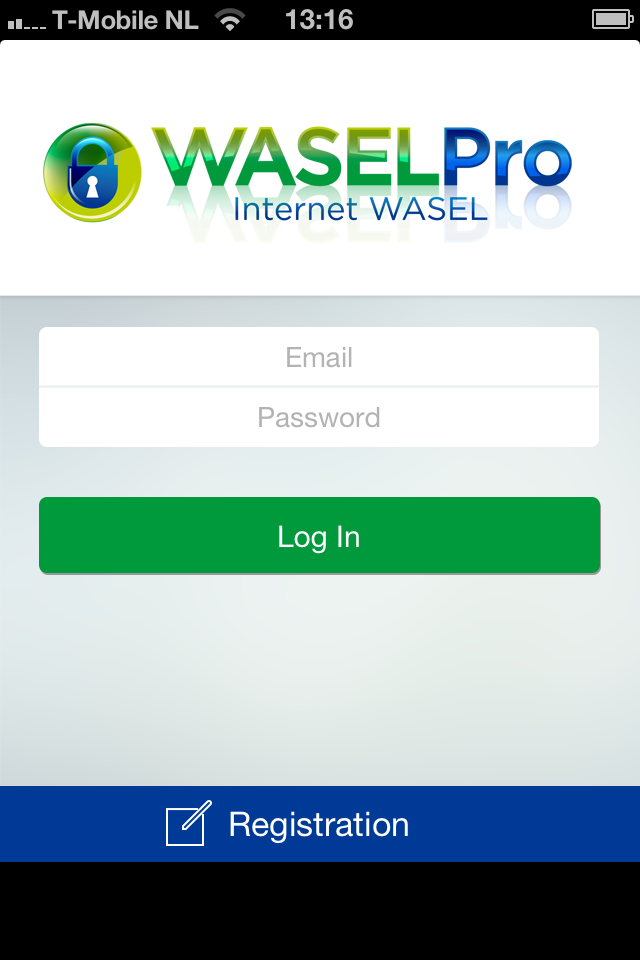
iPhone wasel pro app registration
-
You need to have complete anonymous surfing of the web while using a VPN service
-
You need privacy and security
-
It has to offer you a range of servers to choose from
-
It should not slow down your internet connection, but eventually speed it up
A few words about Wasel Pro
One of the best VPN service providers that you can find is Wasel Pro and it offers you the option for WaselPro iPad VPN. This service is compatible with the following operating systems:
-
Windows
-
Mac
-
Android
-
iOS – iPad and iPhone
This service offers you a range of advantages when using it and it is available in more packages, so that you can choose the one that is most suitable for you. There are basically four different plans:
-
1 month
-
3 months
-
6 months
-
1 year
When you choose a higher plan, you will benefit of the Best iPad VPN with Discount price.

iWASEL VPN Service
How to install it on iOS?
If you wish to use Wasel Pro on your iPad, then you need to download the version compatible with iOS. You will find this version on the provider’s download page. Always make sure you download the correct
version before proceeding with the install. Here are the steps you need to follow in order to install this VPN service on your iPad:
-
Go to the home screen – Settings – General – Network – VPN – Add VPN Configuration – L2TP
-
Login to your profile and look at the list of available L2TP servers
-
Enter the following details:
-
Description – server address
-
Server – server address again
-
Account – your username
-
Password – your password
-
Secret – sharedsecret
-
-
Turn ON the Send All Traffic option
-
Save this Configuration and then go back
-
Turn on the connection you just created and wait while it connects
-
Check the connection’s status to confirm that it is on
Troubleshooting
If you are looking for troubleshooting VPN for iPad, you can find it on the support page on the provider’s website. If your issue is that you cannot connect, you first need to make sure that you have inserted your data correctly and that the Send All Traffic button is On.

how to order enclomiphene usa buy online
buying enclomiphene singapore where to buy
chine kamagra bas prix aux usa
generique kamagra francaise
online order androxal cheap online in the uk
buy cheap androxal new york city
online order dutasteride generic from the uk
order dutasteride canada suppliers
order flexeril cyclobenzaprine no prescription needed
online pharmacy usa flexeril cyclobenzaprine
cheapest buy gabapentin generic brand
buy cheap gabapentin generic a canada
buy fildena generic effectiveness
order fildena price in canada
order itraconazole generic where to buy
is itraconazole a prescription drug
get staxyn buy adelaide
buy cheap staxyn lowest price
online order avodart buy japan
online order avodart generic pharmacy online
buying xifaxan cheap to buy online
cheapest buy xifaxan cheap discount
can i get the rifaximin pill in chicago
cheap rifaximin buy online australia
porovnat ceny kamagra ve velkých lékárnách
levné kamagra levné